Learn the basic rules, coverage mechanism, and how to use Futures Bonus Vouchers for futures trading.
1、Basic Rules
① When opening a position using a Futures Bonus Voucher, the platform covers a proportion of the required opening amount based on the voucher's coverage rate, reducing the user's capital contribution. Users must contribute a certain amount of their own funds when using a voucher that requires a personal capital contribution.
(Please note that the position amount must exceed the minimum opening amount required for the selected trading pair. Otherwise, the Futures Bonus Voucher cannot be used.)
For example, with a 50% coverage rate, the platform covers 50% of the opening amount, while the user contributes the remaining 50%.
② Maximum position amount available with a Futures Bonus Voucher = Voucher amount provided by the platform ÷ Coverage rate × Leverage.
③ If the trade results in a loss, the loss, including trading fees and funding fees, will be shared between the platform and the user according to the coverage rate. If the trade generates a profit, the trading fees and funding fees will first be deducted from the profit. The remaining profit can be withdrawn by the user.
④ The margin consists of the voucher amount provided by the platform and the user's required capital contribution. It cannot be manually adjusted by the user.
⑤ The Futures Bonus Voucher can be used multiple times within its validity period until the available balance is depleted or the voucher expires. It is not a single-use voucher.
2、How to View and Use
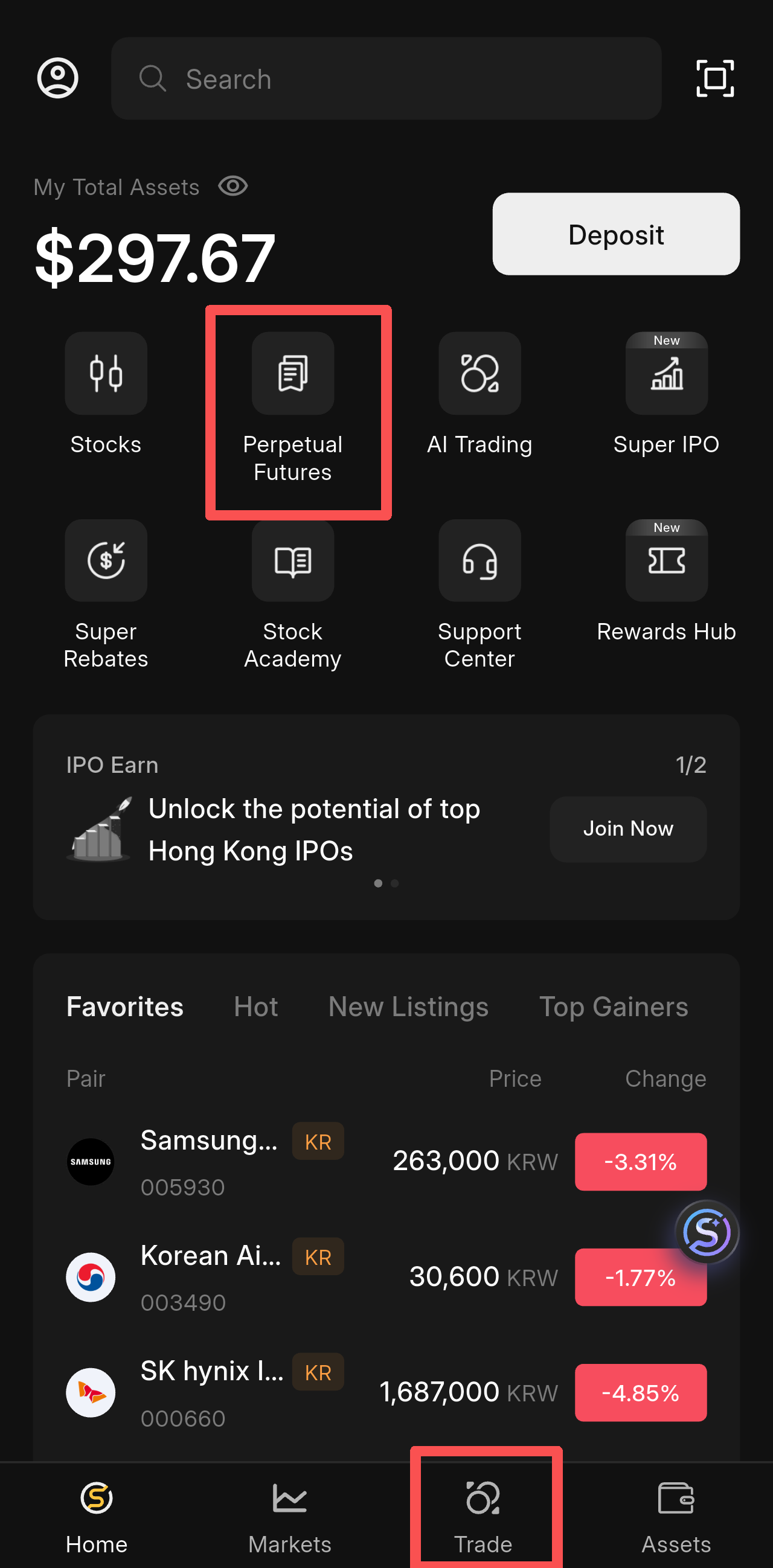
① Log in to the Stockcoin App and tap [Perpetual Futures] on the homepage or [Trade] in the bottom navigation bar to access the futures trading page.
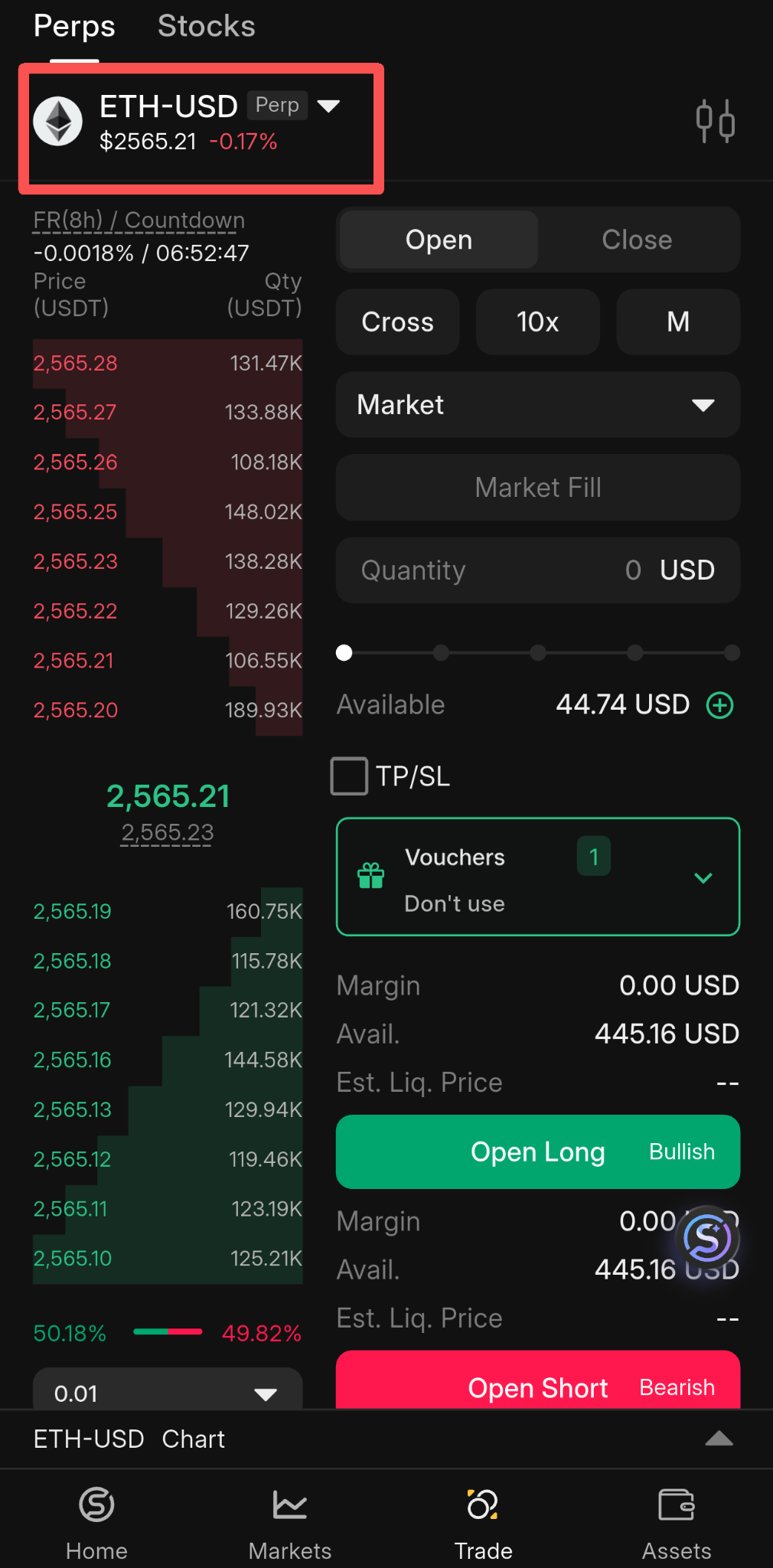
② Select a futures trading pair supported by the Futures Bonus Voucher. Currently, five trading pairs are supported: BTC/USDT, ETH/USDT, SAMSUNG/USDT, SKHYNIX/USDT, and SOL/USDT.
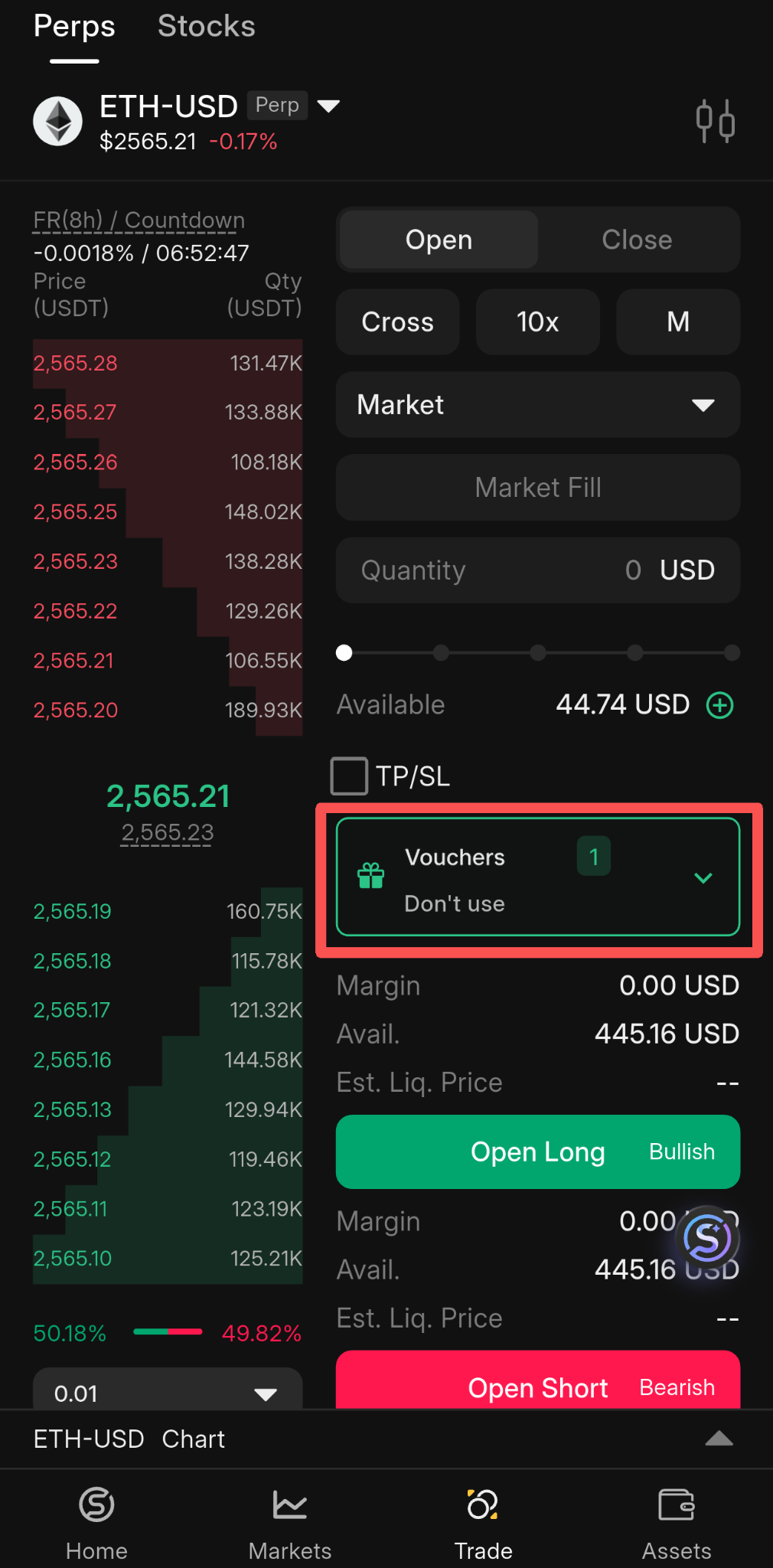
③ Tap [Vouchers], as shown in the image below, to view the Futures Bonus Vouchers received in your account. Each voucher displays its coverage rate, required capital contribution, expiration time, supported futures trading pairs, and other relevant information.
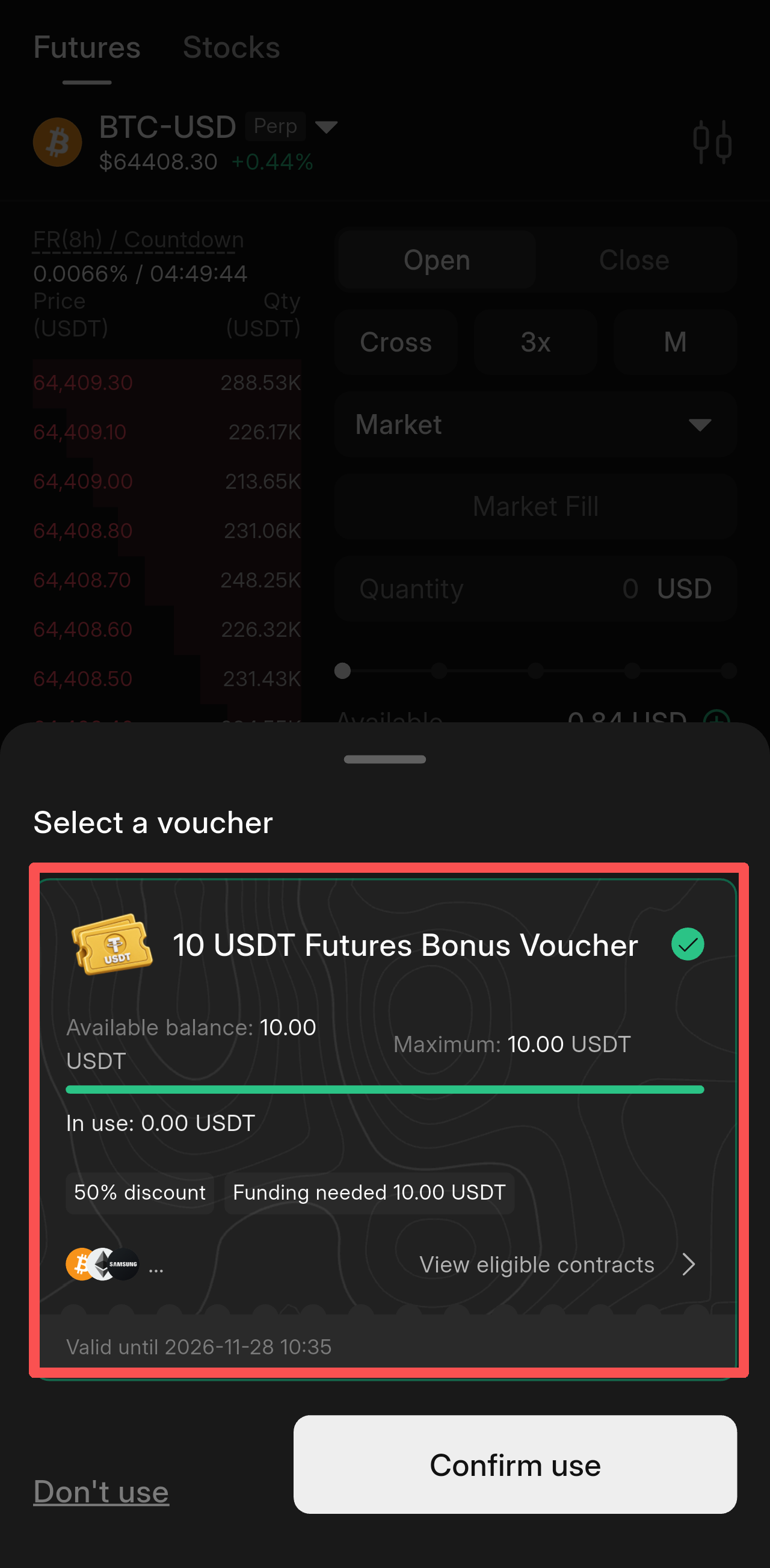
④ Select the Futures Bonus Voucher you wish to use, verify its details, and tap [Confirm Use].
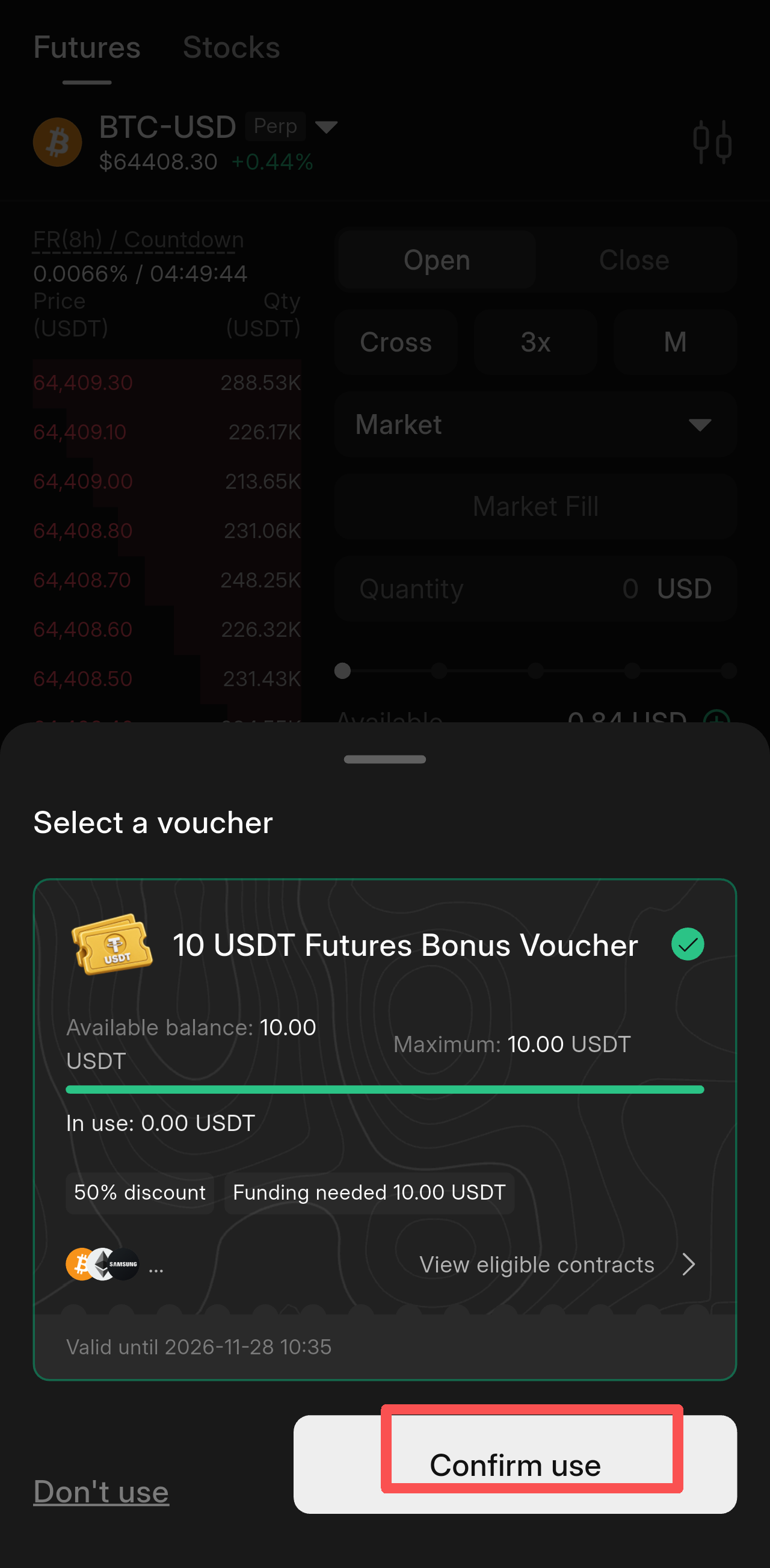
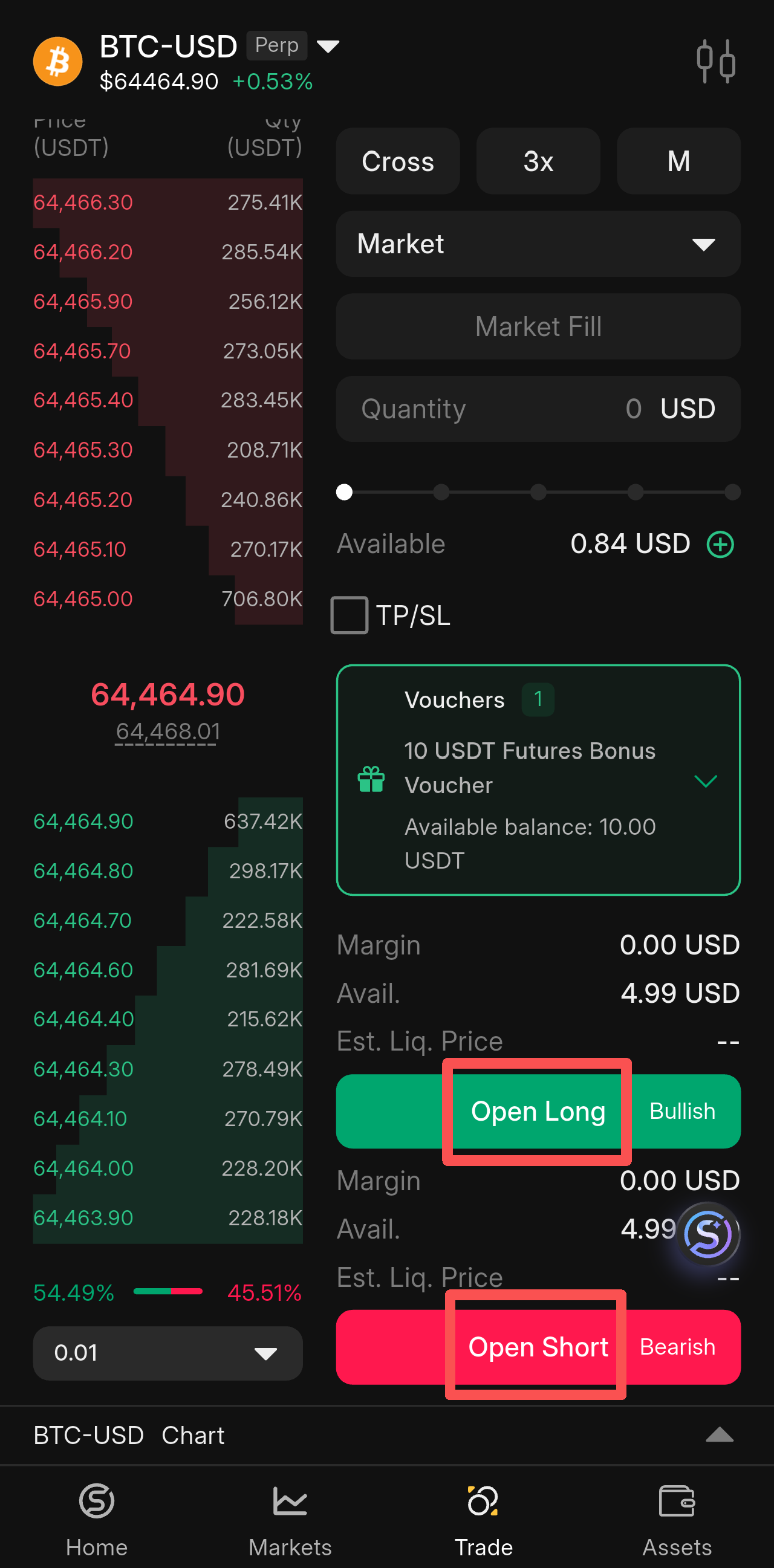
⑤ Based on the voucher's coverage rate, you are required to contribute a portion of the opening capital using your own funds. After confirming the required amount, tap [Open Short] or [Open Long] to open a position.
Once the order has been successfully submitted, a confirmation notification will appear at the top of the screen.